
See what audio visual and IT amenities we offer in this space. Questions about internet are answered on our Banquet Vendor Wifi post.
Projection
This hall is equipped with one ceiling mounted projector. The screen is ~110in in size.

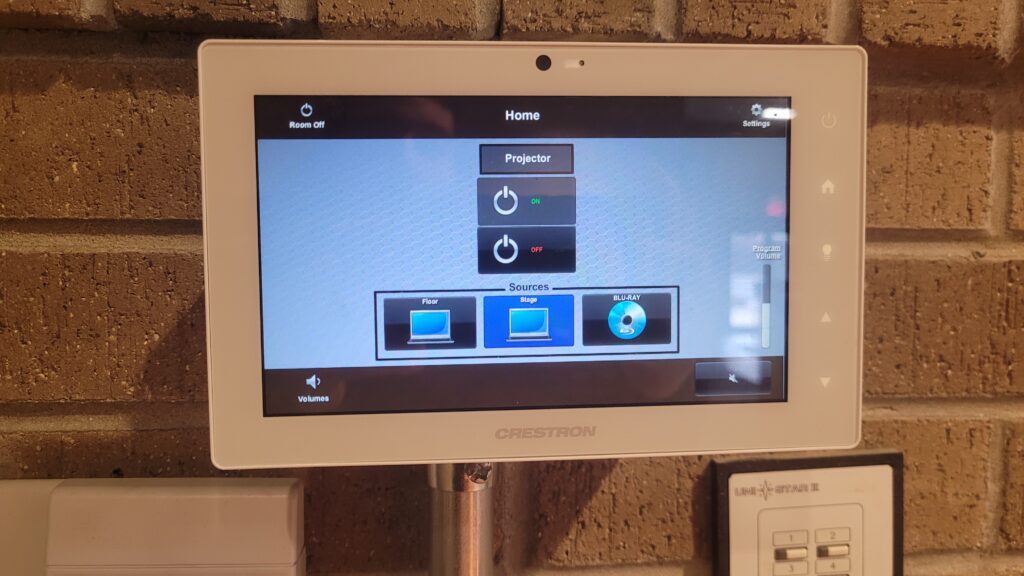
There is a control pannel on the stage.
- Select Stage from the sources list
- Press On button to drop the screen and turn on the projector
Media Source
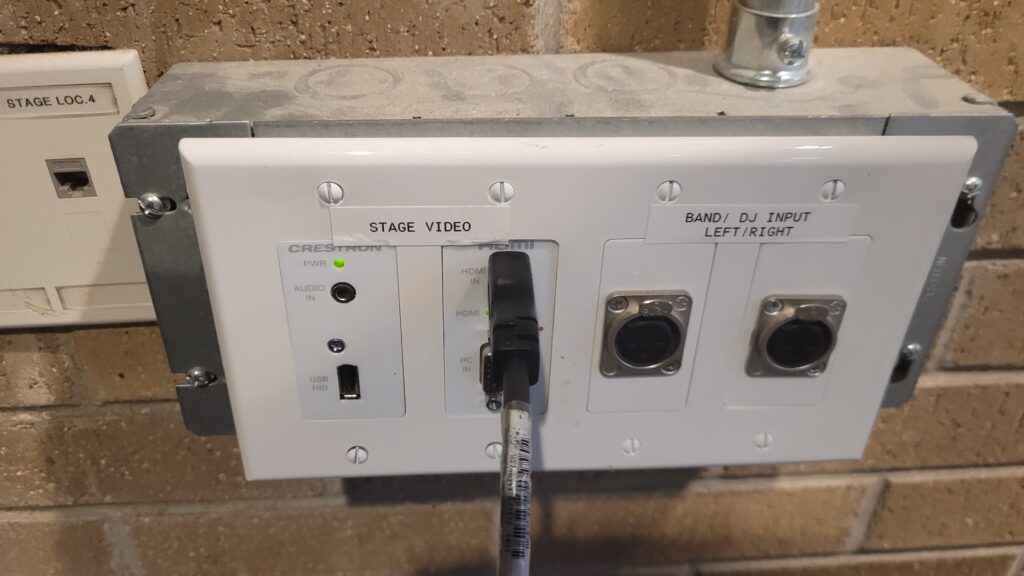
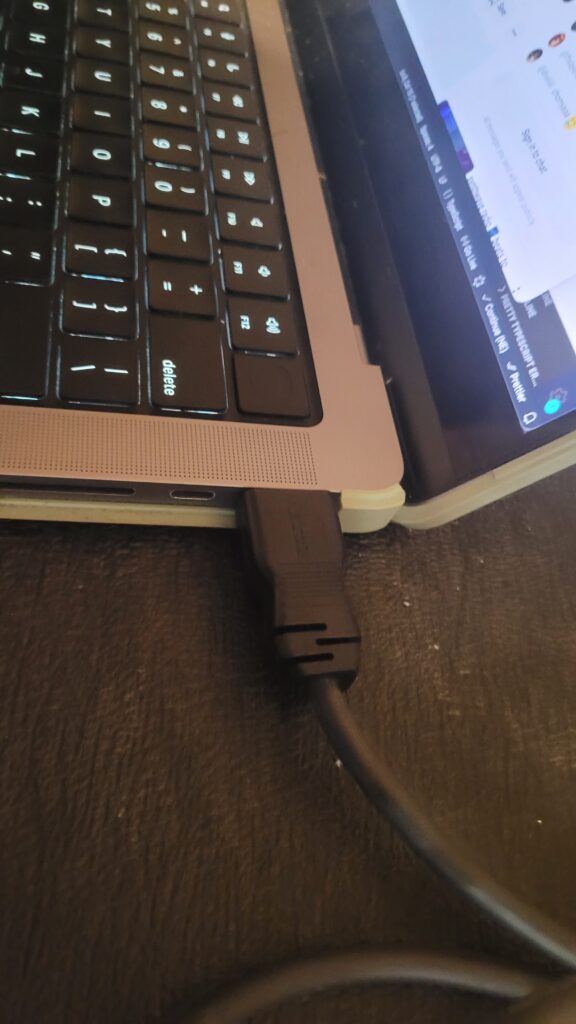
To hook up your laptop to the system use the provided HDMI cable to your laptop. Certain laptops may require additional adapters
If audio is not passing into the house system please check Laptop’s audio output has “Crestron” selected.
Podium
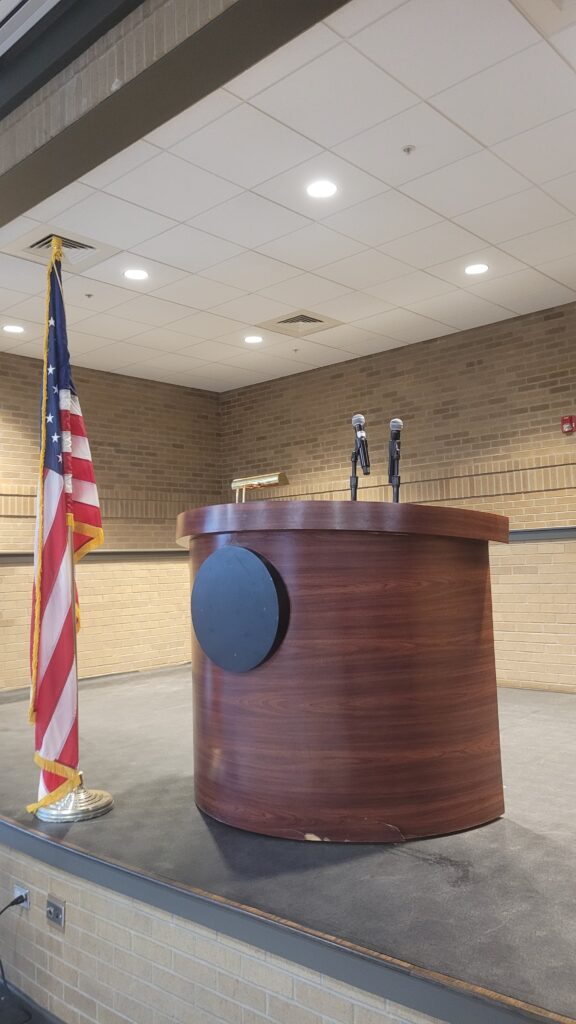
The room comes with a podium that may be positioned on or off stage.
Microphones
Pictured with the podium are 2 wireless microphones that can be held in-hand or fixed on a table-top stand.
Lighting
Lighting is controlled by the white and blue touch panel.

Each button transitions the room’s lighting to a particular preset
- AV Mode: Dim lighting for focus on showing a movie
- AV Meeting: Slightly brighter. A balance between projection focus while presentor is speaking
- Presentation: Spotlight on the stage, highlighting a presentor
- Energy On: Utility lighting
- Dim Cans: Warm mood lighting, perfect for dinner or cocktail
- Dim 2×2: Dim florecent lighting when needing a little more
- Cleaning: Full florecent lighting when you need 100% visability
- Night Off: Blackout
Grainular control of the room’s lighting can be found by pressing the small white arrows <- -> at the corners of the screen.